Find your faction
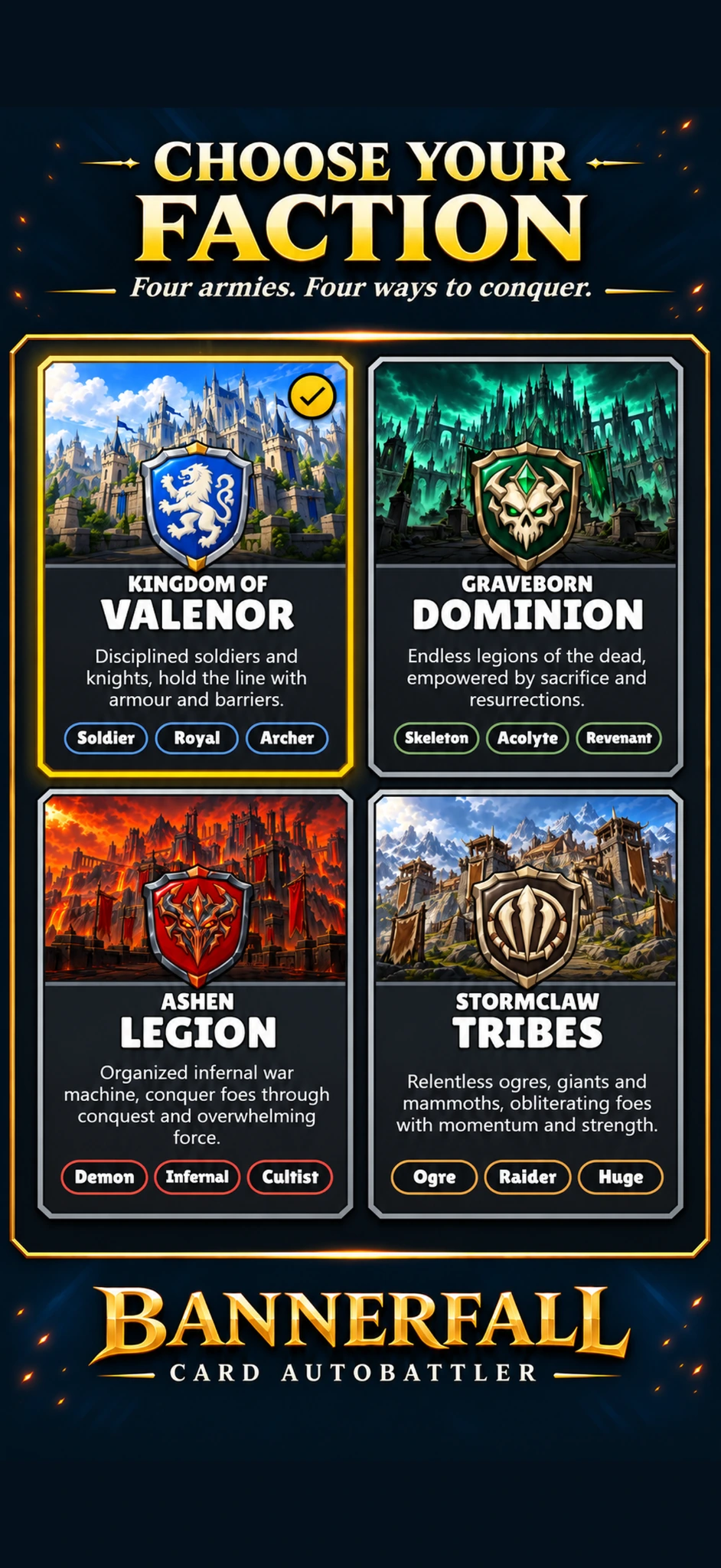
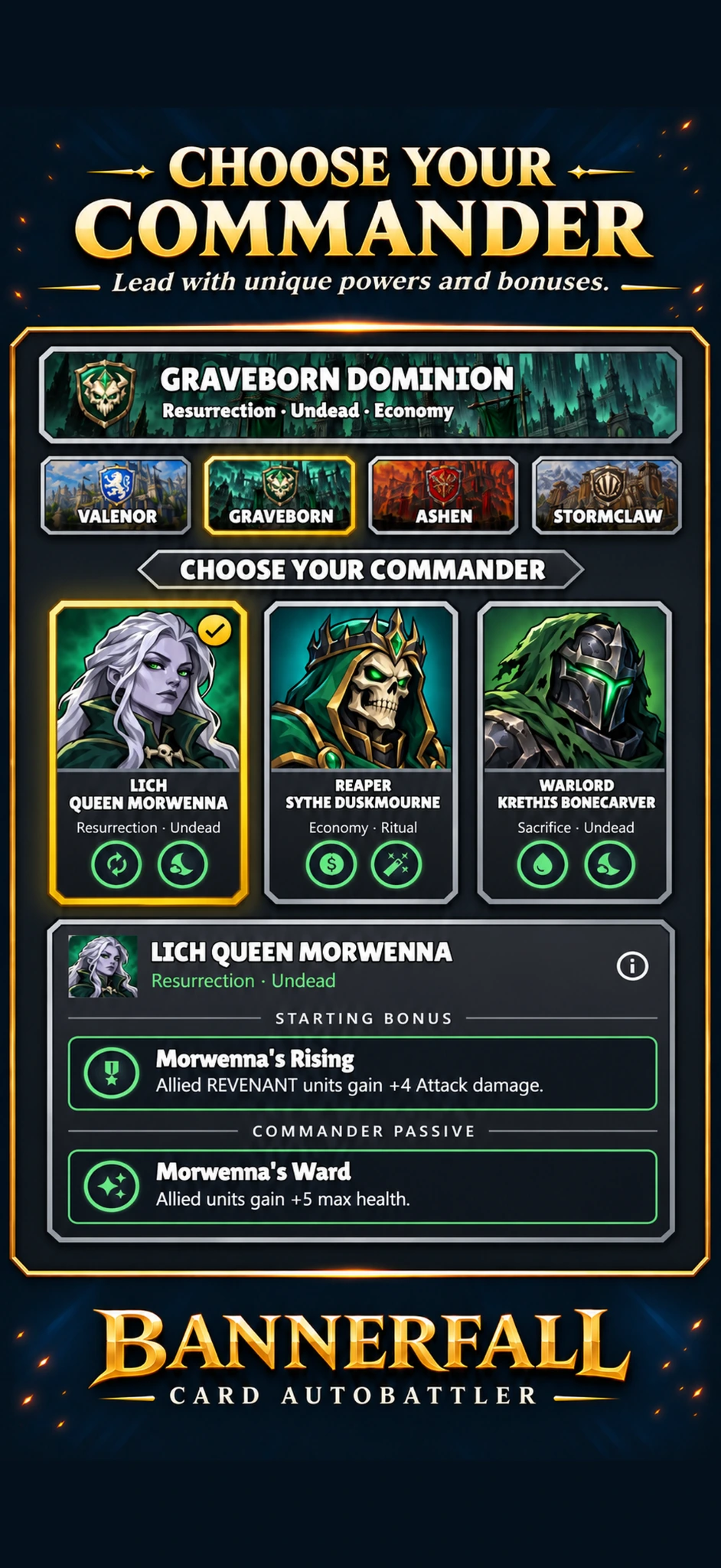
Stand with Valenor, raise the Graveborn, unleash the Ashen Legion, or charge with the Stormclaw Tribes.
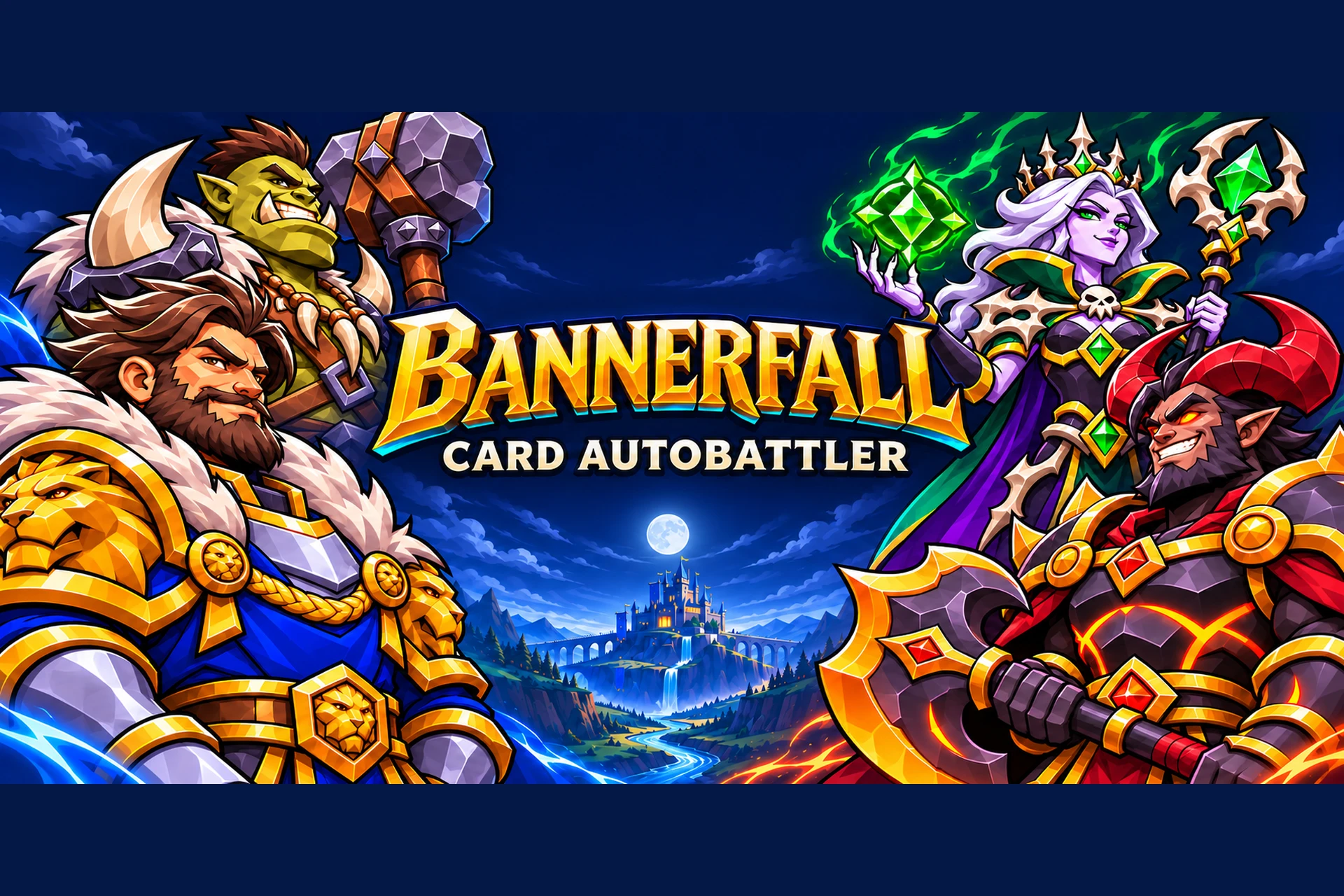
A fantasy card autobattler for Android and iOS.
Apply to PlaytestChoose your faction, Build your deck and Climb the ranks.
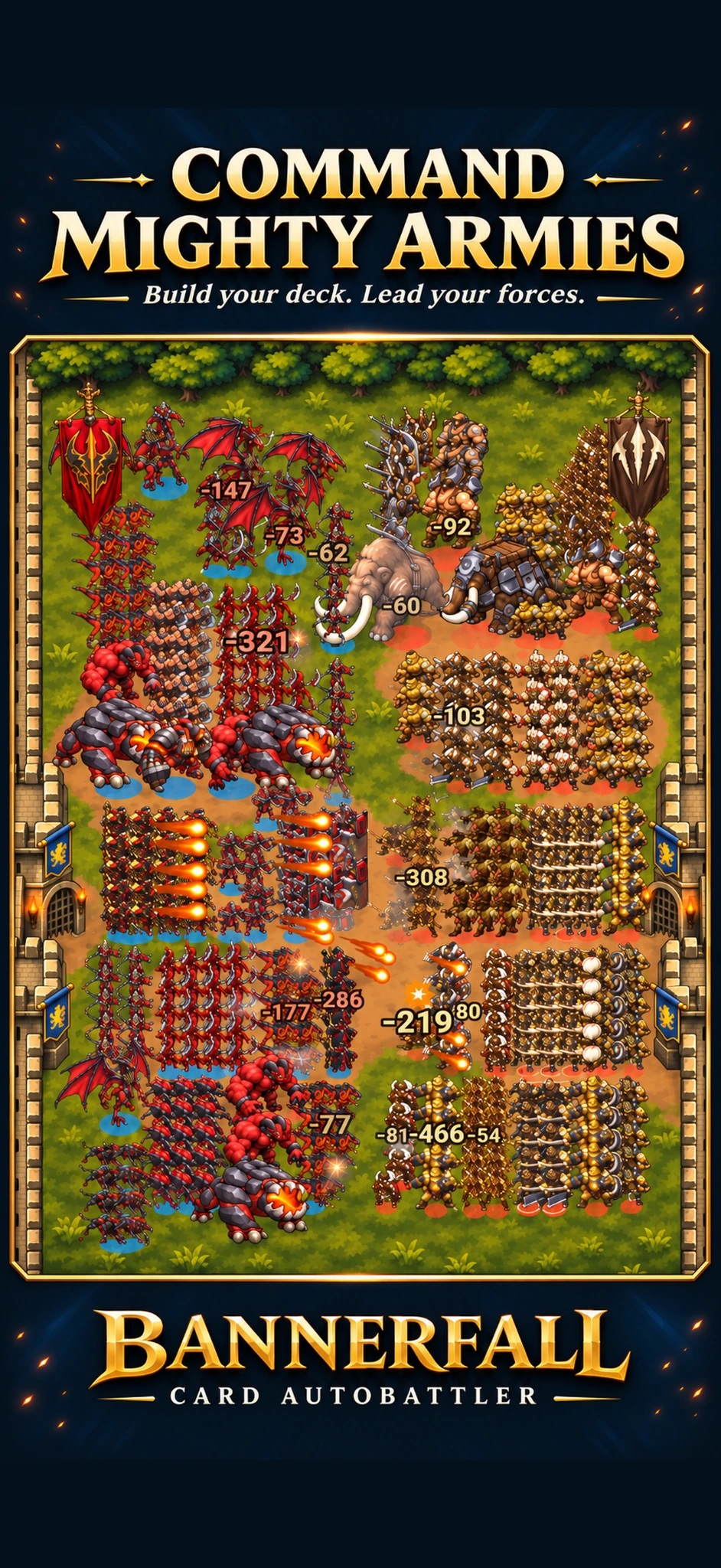
STRATEGY AT SCALE
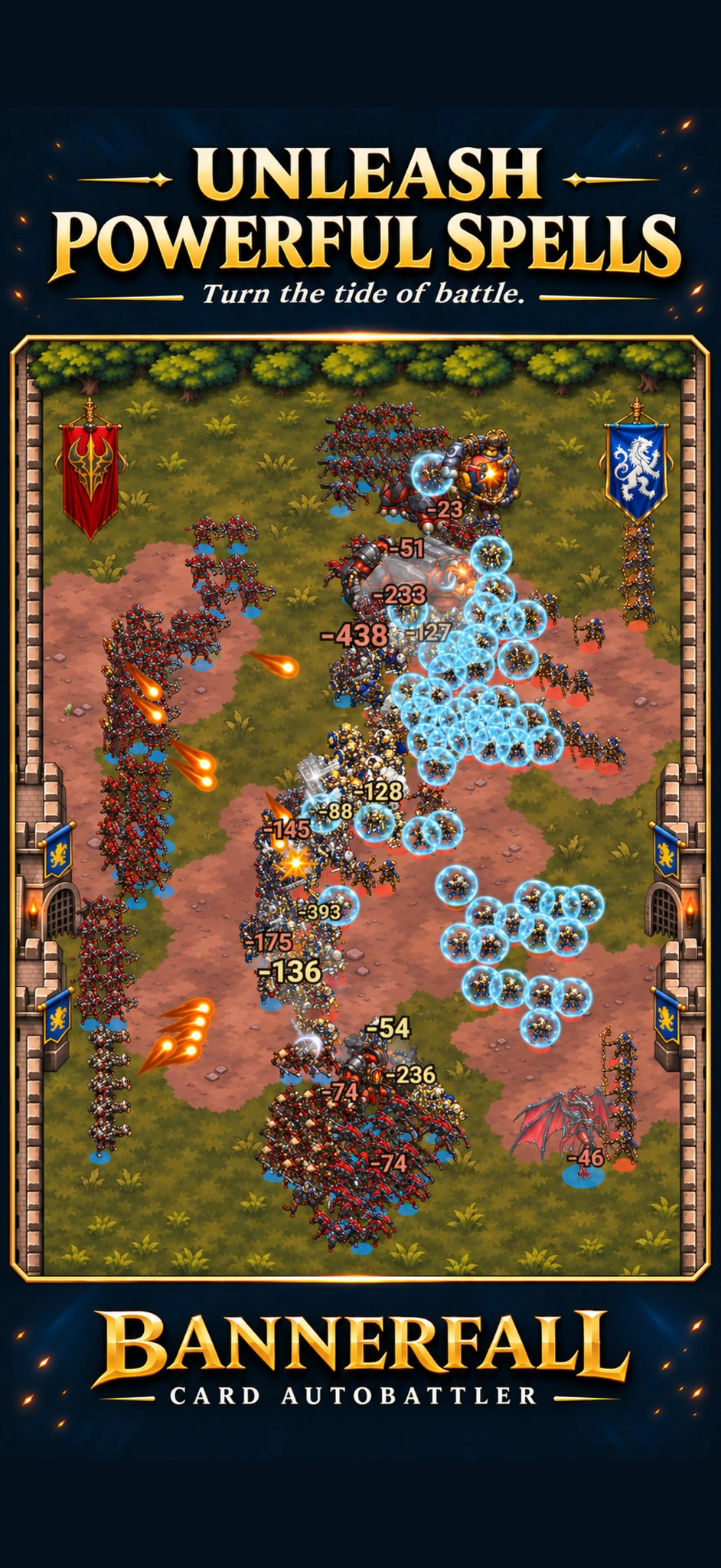
Build a deck around your faction, synergize your cards, position your units and watch your army come to life.
Stand with Valenor, raise the Graveborn, unleash the Ashen Legion, or charge with the Stormclaw Tribes.
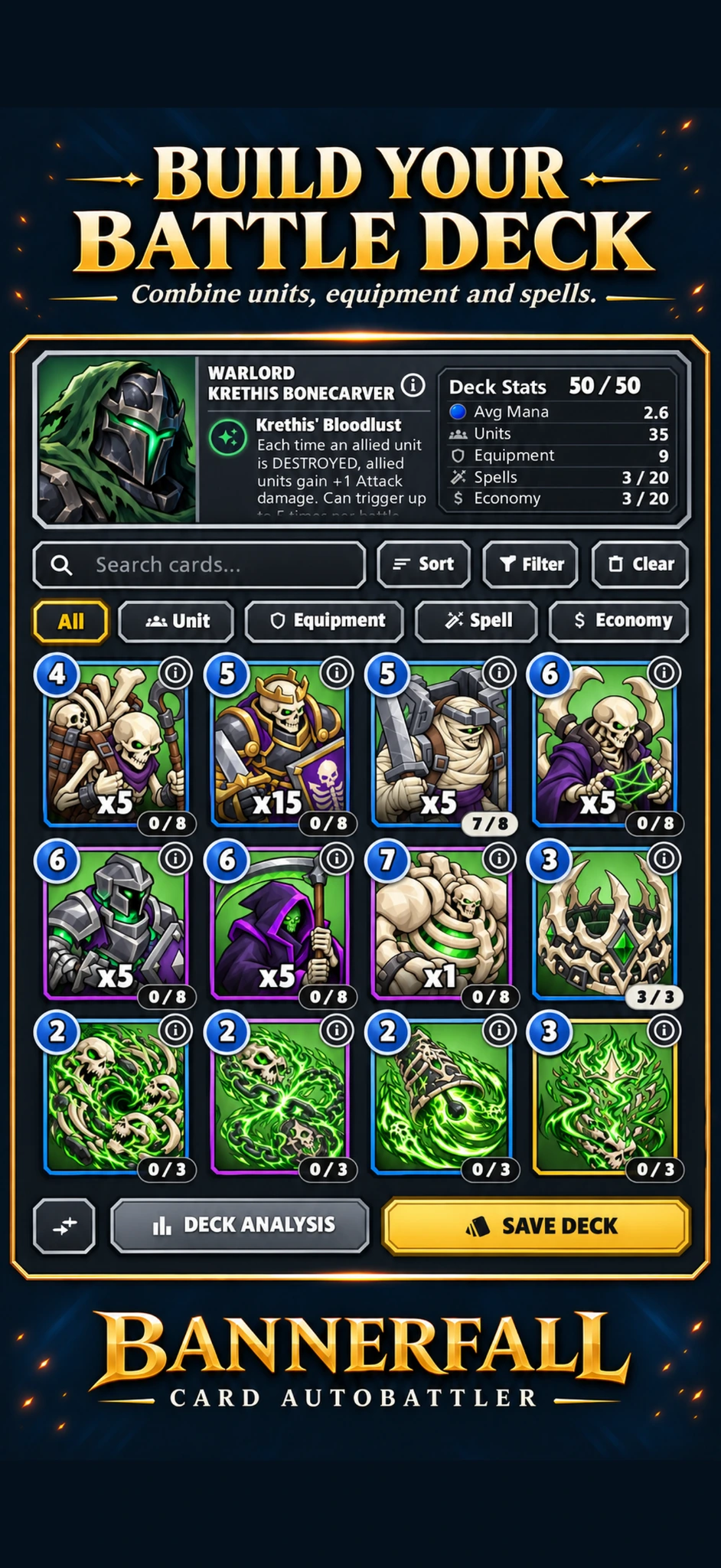
Combine units, equipment and spells to create a strategy of your own.
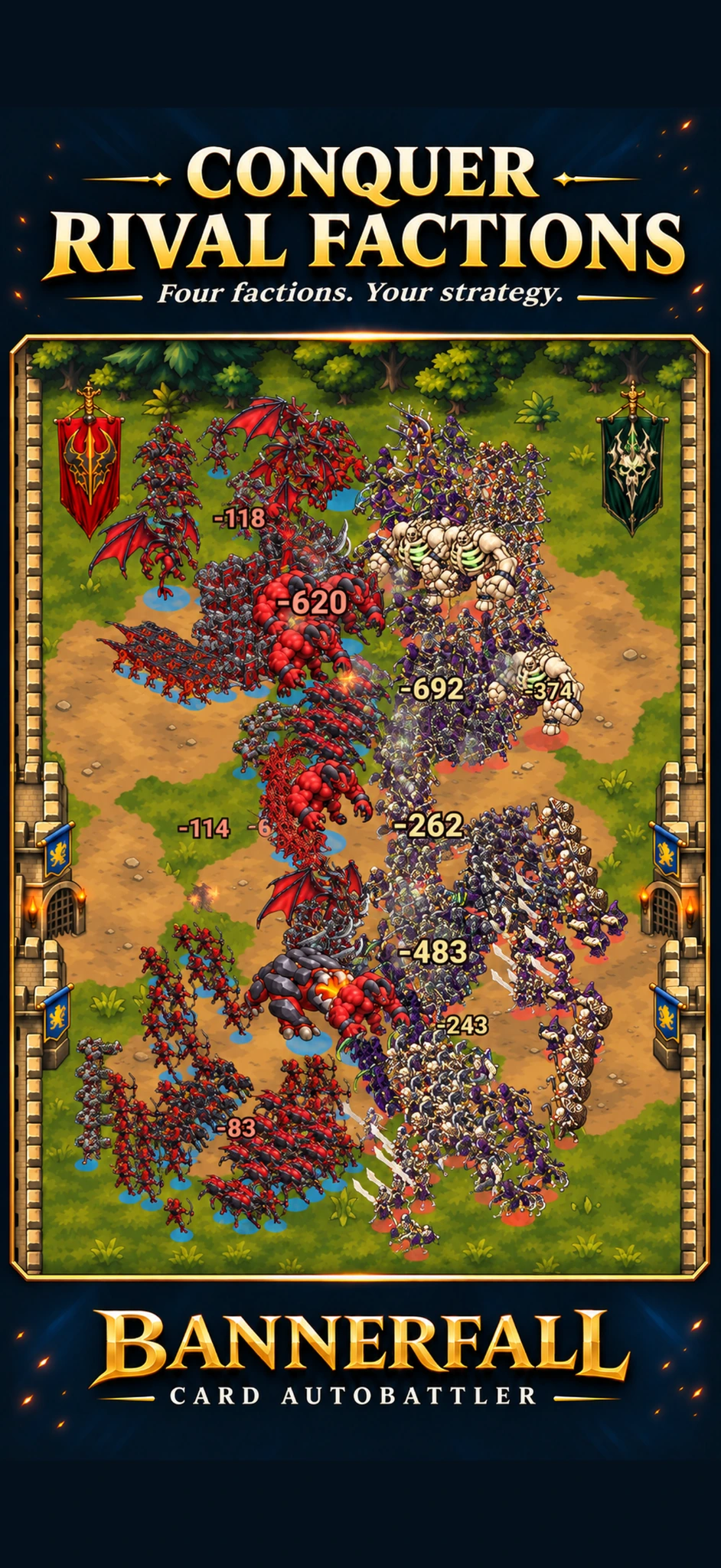
Deploy your forces, then watch formations clash in automatic battles.
Compete on the online PVP ladder to prove you are the best tactician.
SEE THE BATTLE UNFOLD
Swipe through Bannerfall. Select any screenshot for a closer look.
FOUR FACTIONS. YOUR STRATEGY.
A different identity. A different way to command.

KNIGHTS & BARRIERS
Armored knights, royal champions, crossbowmen, and priests march beneath the lion banner.

UNDEAD & SACRIFICE
Hordes of skeletons, revenants and dark magic turn casualties into power.
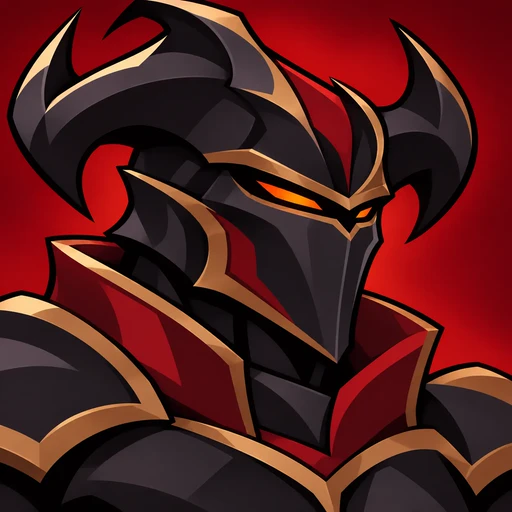
DEMONS & CONQUEST
Demons, Hellspawn and infernal warriors press the attack and reward constant pressure.
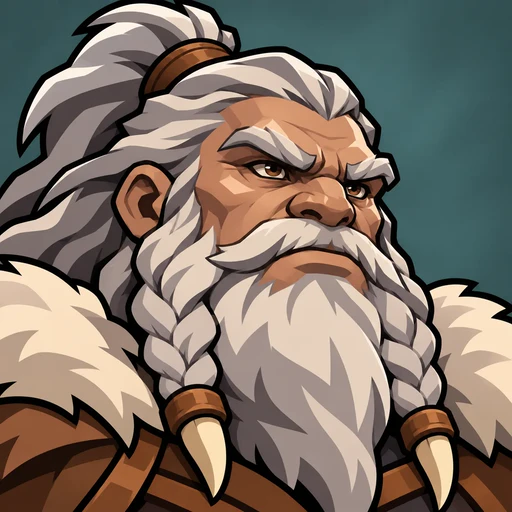
OGRES & ONSLAUGHT
Ogres, mammoths and giants gain more strength as the battle rages.
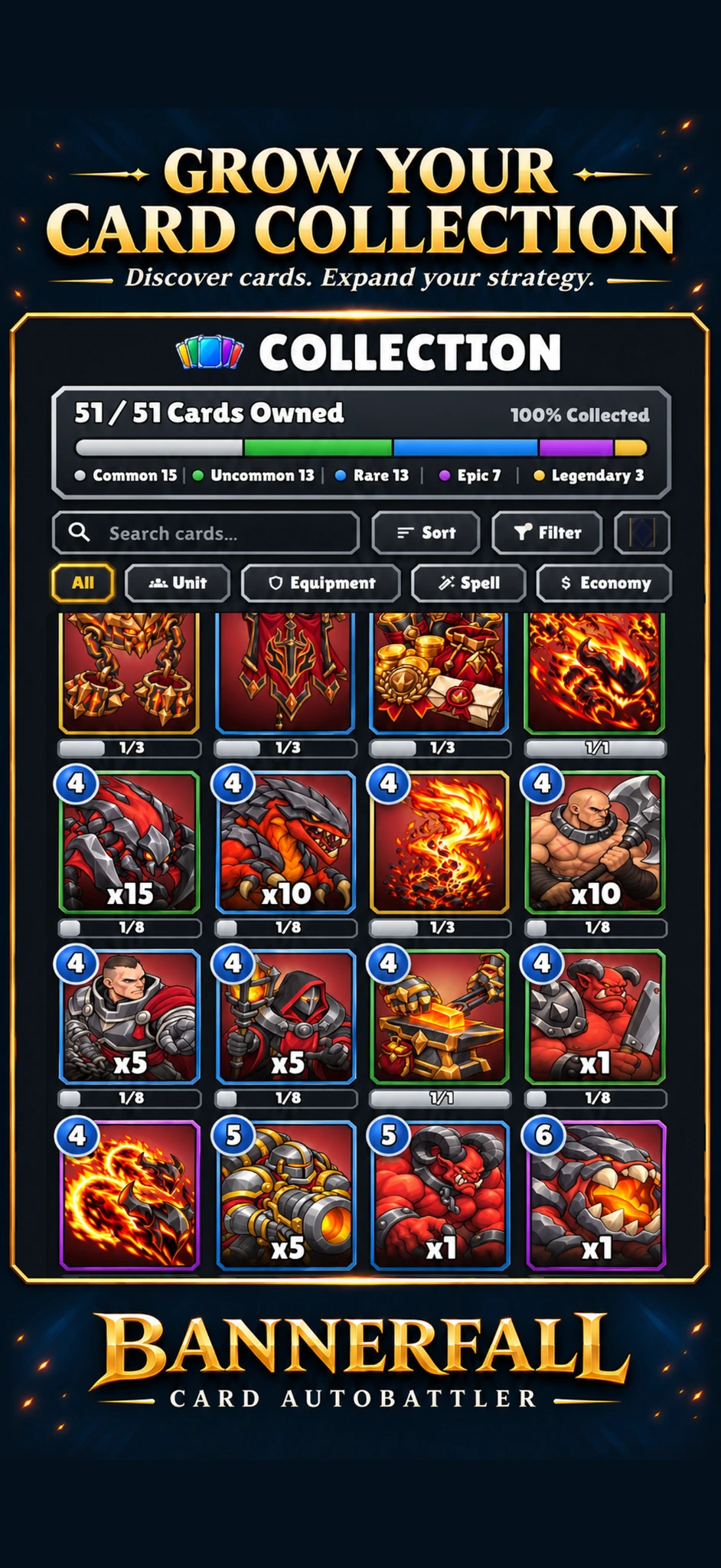
BUILD YOUR COLLECTION. DEFINE YOUR STRATEGY.
Find the synergies that turn your deck into a mighty army.
TWO WAYS TO COMPETE
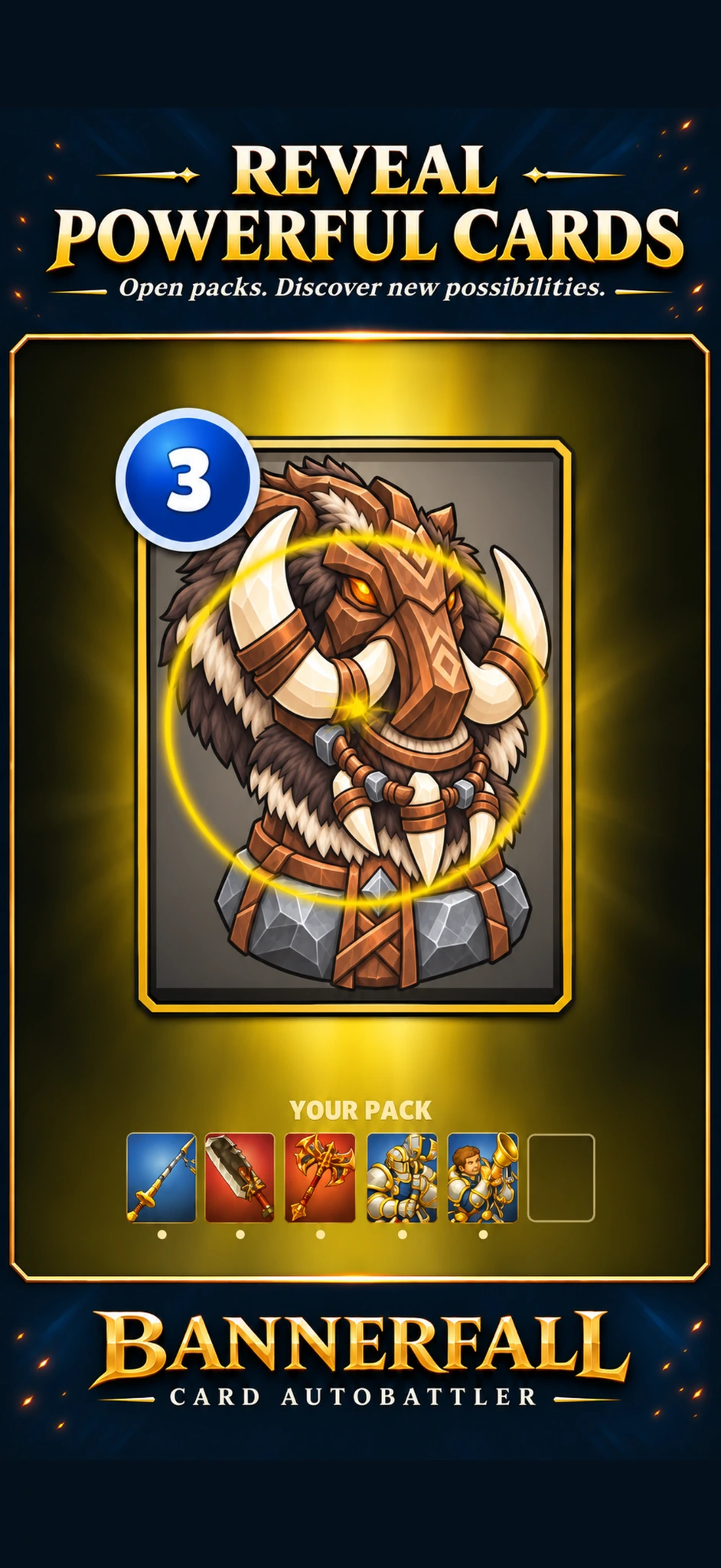
Bring your custom-built deck to Ranked and climb the PvP ladder, or create a deck from a drafted selection in Draft mode.
MAKE IT YOURS
Express yourself with cosmetic profile options and customizable card backs, and develop your card masteries.
SOMETHING TO STRIVE FOR
Complete daily, weekly and faction-specific challenges to earn rewards.
JOIN THE NEXT BATTLE
Help shape Bannerfall on Android and iOS.
GET TO KNOW BANNERFALL
About the game, joining the playtest and managing your account.
Bannerfall is a fantasy deck-building autobattler for Android and iOS. Choose a faction, build a deck, position your units and watch your army battle automatically.
Your strategy comes from your deck, card synergies and unit positioning. Once combat begins, your armies fight automatically.
Choose from the Kingdom of Valenor, Graveborn Dominion, Ashen Legion and Stormclaw Tribes. Each has its own commanders, cards and approach to battle.
Yes. Compete on the online PvP ladder and climb the ranks.
Complete the playtest application with your contact email and platform. We review applications manually and email selected players with an invitation and installation instructions. Submitting the form does not give you immediate access.
Both platforms are in testing: Android is in closed testing, and iOS is in external testing. Select Android, iOS, or both when applying.
Use an inbox you can check for your invitation. For Android, also enter the Google account email used in your Play Store if it differs from your contact email.
Invitations usually arrive within 24–48 hours after you apply. Check your contact email and spam folder. Applications are reviewed manually and access is not guaranteed. For help with your invitation, contact us.
Yes. Joining the Bannerfall playtest is free. The game includes in-app purchases.
No. Playtest progress will reset before launch.
Yes. An internet connection is required to play Bannerfall.
Yes. Bannerfall supports shared progress between Android and iOS when you use the same Bannerfall account.
In Ranked, compete with your custom-built deck. In Draft, create a deck from a drafted selection and compete with what you build.
Bannerfall supports email and password, Google, Game Center and Sign in with Apple. Available options depend on your platform.
Bannerfall includes in-app purchases. There are currently no advertisements or rewarded ads.
Other players can see your username, rank and decks.
Bannerfall is intended for players aged 13 and over.
Email [email protected] with your device model, app version and what happened. For bugs, include steps to reproduce the issue and a screenshot if helpful. Never send passwords or payment details.
Open Bannerfall → Settings → Delete account, or request deletion by email if you cannot access the game. Your account and associated game data are deleted within one day after the request is verified. See account deletion instructions. Uninstalling the app does not delete your account.